Mice, keyboards, headsets, monitors, chairs and mousepads for PC gaming.
Gaming peripherals matter more than most players expect. A mouse with the wrong sensor polling rate drops inputs during fast turns. A keyboard's switch type changes how the board feels and sounds under every keystroke. A monitor's response time determines whether fast-moving scenes blur or stay sharp. The guides here cover gaming mice by DPI range and sensor type, mechanical keyboards by switch type and form factor, gaming headsets by driver size and wireless range, and the monitors, chairs and mousepads that complete a gaming setup.
A gaming chair for back support includes lumbar support, adjustable armrests and a reclinable backrest designed to maintain posture during extended seated sessions.
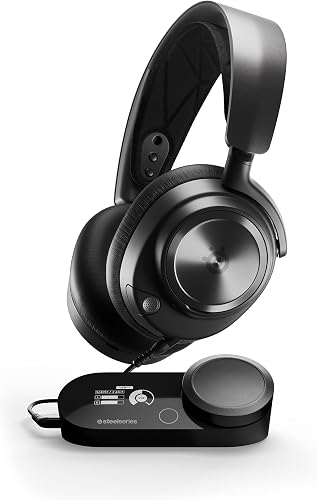
A gaming headset combines a stereo or surround sound driver with a directional microphone optimized for voice chat, in a single unit designed for extended wear during gaming sessions.
A 1080p 144Hz gaming monitor provides smooth motion in action-heavy games where the GPU can sustain over 100 frames per second, at a price and GPU load significantly lower than 1440p or 4K panels.
A gaming mouse for FPS games needs a high-accuracy optical sensor, a polling rate of at least 500Hz and a shape that keeps the hand relaxed during long sessions.
A gaming mousepad provides a consistent tracking surface for an optical gaming mouse, with surface texture determining whether the pad favors fast low-friction glide or controlled high-friction stopping.
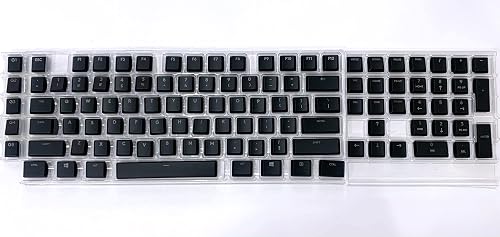
A mechanical keyboard for gaming uses individual switches under each key that register at a defined actuation point, providing consistent key response and durability over tens of millions of keypresses.